Add the widget to your website: HTML or WordPress

Widget & product By M. Moes Published on 2 November 2026
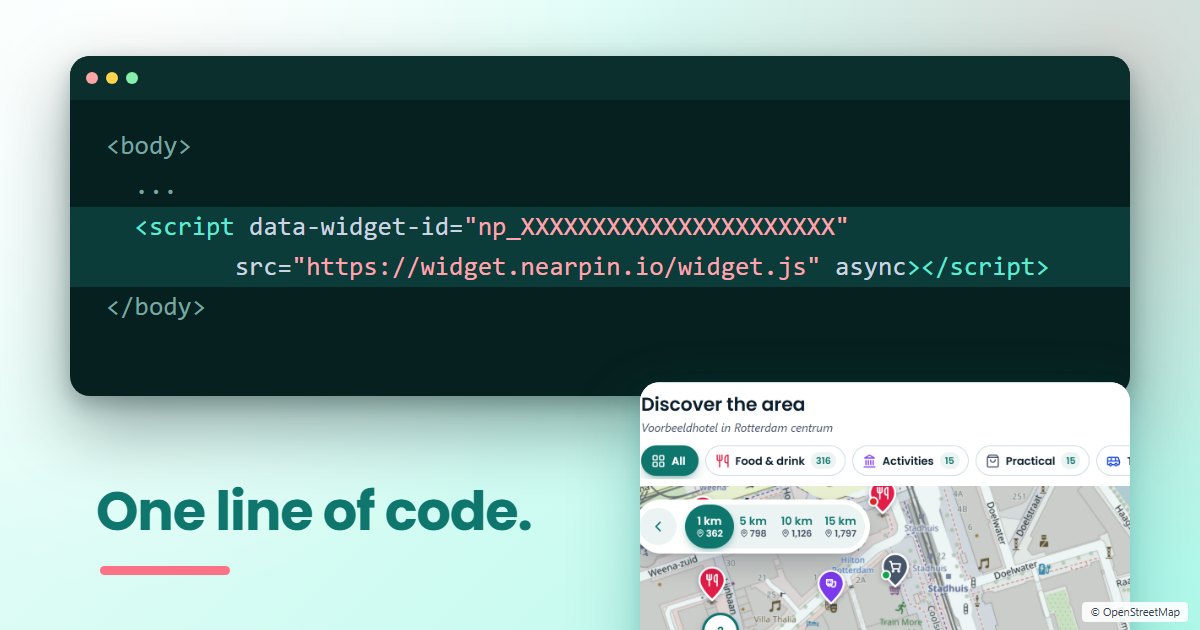
The embed code of the NearPin widget in a code editor, with the widget it puts on the website below it

You add the NearPin widget with one line of code. You copy it from your dashboard and paste it into your website. Where exactly it goes depends on the system your site is built with. Below are the three options, and what to do when the widget stays empty.

Finding the code

In the dashboard, your widget shows the heading "Place this code on your website", with a button to copy the code. If the widget is not active yet, the code is locked. Activate the widget first.

On your own website (HTML)

Paste the code into your page's HTML, right before the closing </body> tag.

In WordPress

Add a "Custom HTML" block to the page and paste the code into it. If you want the code on every page, use a plugin such as "Insert Headers and Footers" to place it site-wide.

In another system

Most systems offer a block or a setting for "custom HTML" or "embed code". Paste the code there. If you get stuck, contact us.

Entering the domain

The widget only loads on the websites you have entered for it. Enter your domain, for example example.com. If you paste a full web address, we keep only the domain. If you have several websites, separate the domains with a comma. That way no other website can load your widget.

*.example.com allows all subdomains, such as book.example.com. The domain example.com itself is not included. Add that one too.

The widget stays empty

Visitors then see no error message, only an empty area. That is on purpose: if something is wrong, the widget does not load. Check in this order:

  1. Is the domain of your website entered for the widget? As long as no website is entered, the widget stays empty.

  2. Is the widget active?

  3. Does your dashboard show a notice that a domain was blocked? It lists the domain and the date. If the domain is yours, add it.

Try it first

You try NearPin free for 14 days. The pricing page shows what is included.
add widget WordPress embed code website domain

Frequently asked questions

Do I need a developer to add the widget?
Usually not. You only need a place where you can paste your own HTML, such as a "Custom HTML" block in WordPress. Most systems have one. If you get stuck, you can contact us.
Where do I find the code?
In your dashboard, under the heading "Place this code on your website". There is a button to copy the code. If the widget is not active yet, the code is locked. Activate the widget first.
Why does the widget stay empty on my website?
Visitors see no error message, only an empty area. Check that the domain of your website is entered for the widget and that the widget is active. A blocked domain appears as a notice in your dashboard, with the date.
Can I use the widget on more than one website or subdomain?
Yes. Separate several domains with a comma. *.example.com allows all subdomains, such as book.example.com, but not example.com itself. Add that one too.
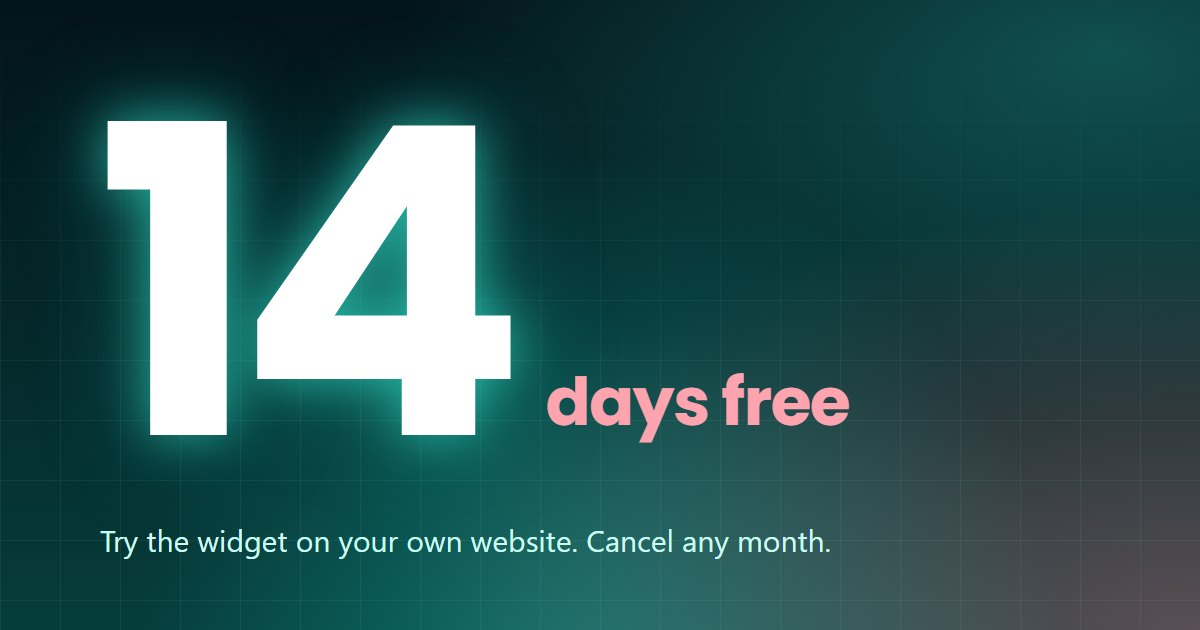
14 days free in large type on a dark background, saying you can try the widget on your own website and cancel any month

What does a local area widget cost?

NearPin costs 24.95 euros per widget per month, excluding VAT. Here is what that covers, which costs we carry ourselves and how to work out whether it pays for itself.

Widget & product 14 November 2026 · 3 min read

Read more: What does a local area widget cost?
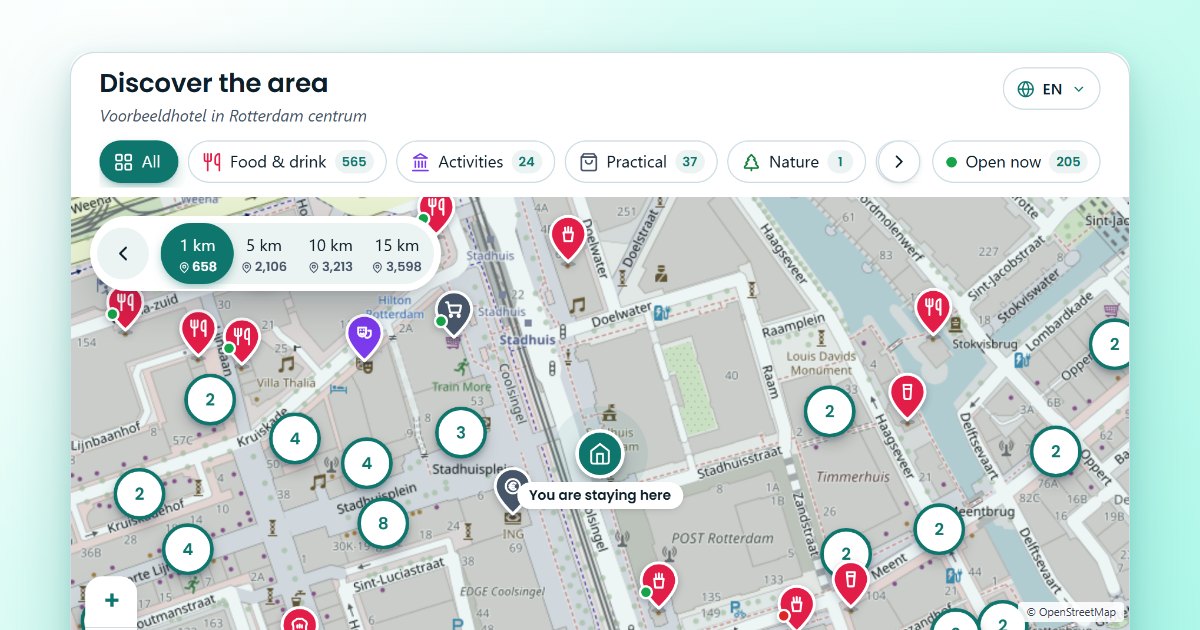
The NearPin widget showing a map of central Rotterdam with category tabs at the top and pins for restaurants and other places around a hotel

What is NearPin? A local area widget for your site

NearPin is a widget you place on your own website. Guests see at a glance where to eat, what to do and what to visit nearby, without leaving your site.

Widget & product 22 October 2026 · 3 min read

Read more: What is NearPin? A local area widget for your site
A large number 0 with the text tracking cookies: the NearPin widget needs no cookie banner

A local area map without cookies or a banner

The NearPin widget uses no tracking cookies and stores no personal data about visitors. That means the widget does not require a cookie banner.

Widget & product 22 October 2026 · 2 min read

Read more: A local area map without cookies or a banner

Let guests discover the area on your own website

See the map on your own address before you change anything on your website. Try it for free, or let us walk you through it in a short demo.

First widget free for 14 days. Early Bird: €21.95 per widget per month, 10 spots left, then €24.95 (excl. VAT).