What does a local area widget cost?
Widget & product By M. Moes Published on 14 November 2026
NearPin costs 24.95 euros per widget per month, excluding VAT, after a 14-day free trial. If you only want the QR code for your guests, the QR package is 12.95 euros per month. There are no setup fees and you can cancel monthly. This article shows what that fee covers, which costs we carry ourselves and how to work out whether it pays for itself at your accommodation.
What you pay
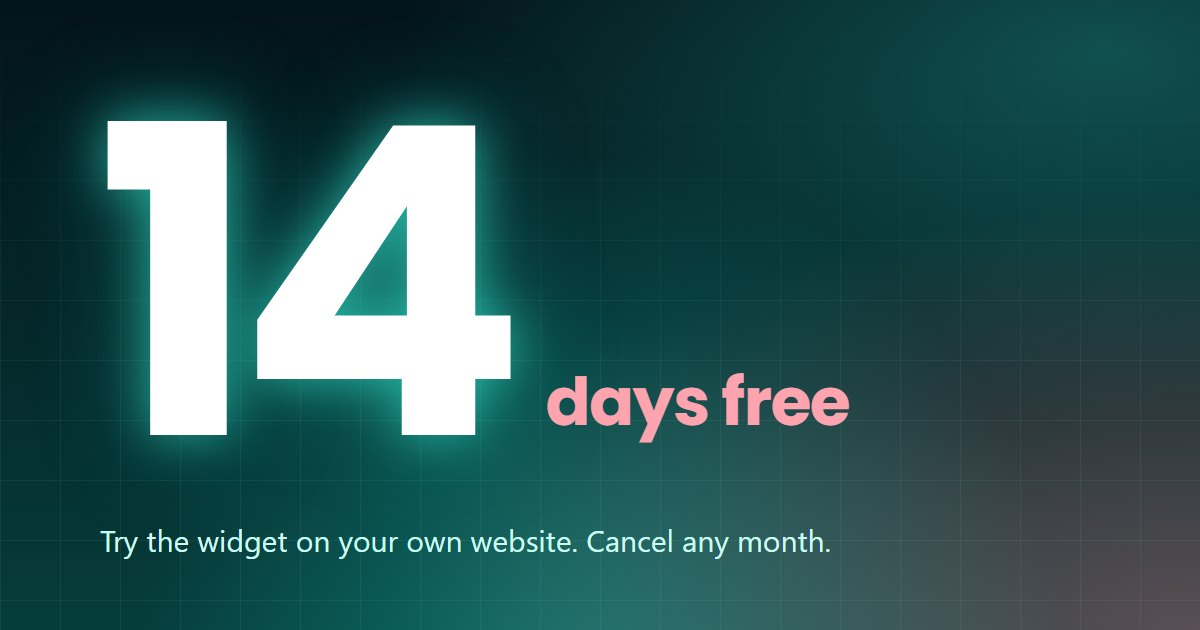
14 days free. You try your first widget without payment details.
Full: 24.95 euros per month. The map on your own website and the QR code for your guests.
QR package: 12.95 euros per month. Only the QR code, for the room or the front desk.
Per location. One widget belongs to one location and you only pay for widgets that are active.
All amounts exclude VAT. Current prices are on the pricing page.
Why a monthly fee? The costs we carry ourselves
A local area widget is not a picture you buy once. It relies on services from other parties. Our system requests data from them through an API (a connection between two systems), and they charge per request. Those costs keep running as long as your widget is active. We pay them, and you get no separate bill for them.
These are the main cost items:
Checking whether a place is still open. A restaurant that has closed does not belong in your widget. For that check we consult external sources, which charge per request.
The area around your address. When a widget is first activated as a paid widget, we look up the places around your location and compare them with our data, so that nothing important is missing. That runs through a paid scanning service, with a fixed maximum per scan so the costs stay under control.
Descriptions of places. We write the short atmosphere descriptions with AI models. They also charge per use.
Servers and maintenance. The widget runs on our own servers. That takes hosting, backups and security.
On top of that, we update the data weekly and keep the statistics per widget, without cookies. You do not have to do anything for that.
What it can bring in
24.95 euros per month is 299.40 euros per year, excluding VAT. Whether that is a lot depends on what a guest is worth to you. A worked example, with assumptions you can adjust yourself:
A guest books two nights at 100 euros: 200 euros in revenue.
Divide 299.40 by 200 and you get about 1.5. With two extra bookings a year, the widget has paid for itself.
This is not a promise that the widget brings extra bookings, because that depends on your accommodation and your website. What you do see in the statistics is how often the map is opened and which places guests click. That lets you judge for yourself whether it works.
What you lose otherwise
Keeping it up yourself takes time: checking lists of restaurants, removing closed places, translating texts. An agency that builds a local area map charges a one-off amount that differs per agency, with possible maintenance on top. A Google Maps embed is free, but it also shows competitors. The comparison is in NearPin, Google Maps or an agency map: costs.
Try it first
You try your first widget free for 14 days, without payment details. What is included is on the pricing page.