Campsite or holiday park: the area on your site

Tips for accommodations By M. Moes Published on 9 November 2026
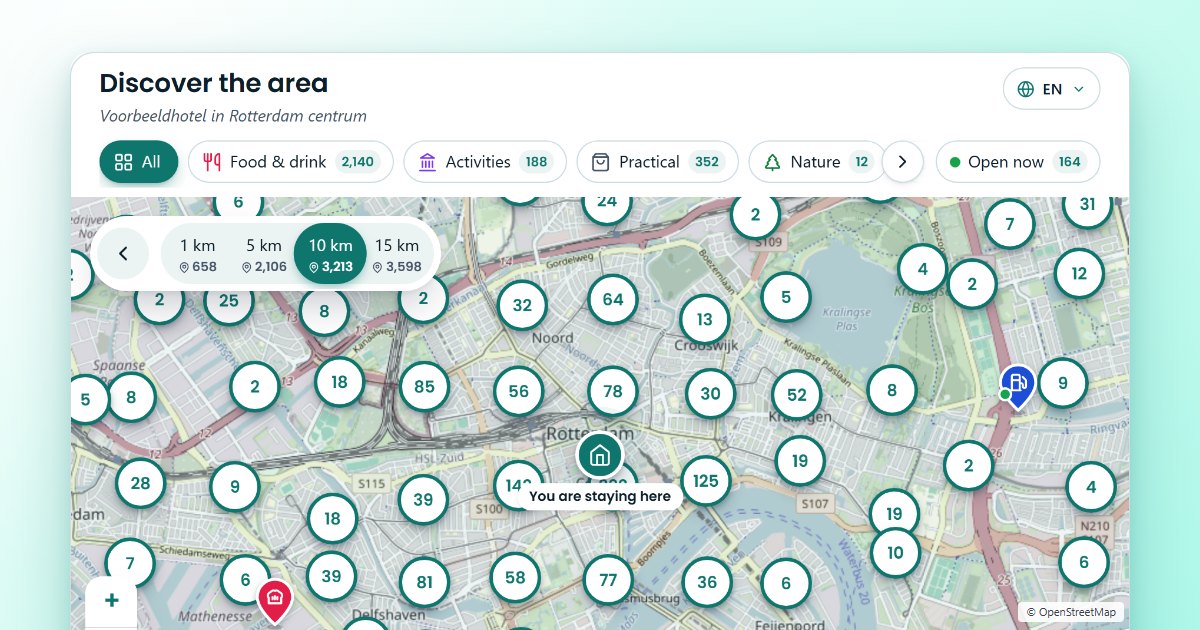
The NearPin widget with a map of central Rotterdam at 10 kilometres, with the distance choice from 1 to 15 kilometres and groups of places around a hotel

"Where is the nearest supermarket?" "What can we do when it rains?" At a campsite or holiday park, reception hears this at many arrivals. Someone who stays a week has more questions about the area than a hotel guest who stays one night. If the answer is already on your website and on site, reception does not have to tell it every time.

What guests at a campsite or park want to know

  • Where the nearest supermarket or bakery is, for the first groceries.

  • Where they can eat without cooking themselves.

  • What they can do with children, also in the rain.

  • Where there is a nice spot in nature for a walk or a bike ride.

Why a leaflet at reception is not enough

A guest who arrives after closing time has nobody to ask. A leaflet or notice board with tips also goes out of date quickly: a restaurant closes, a playground moves and nobody updates the leaflet. A guest who stands in front of a closed restaurant also thinks of your campsite or park.

A larger radius than a city hotel

A hotel in the city has everything within walking distance. A campsite or holiday park is more often outside the village. The best places are then a bike ride or a short drive away. In the NearPin widget the guest picks a radius of 1, 5, 10 or 15 kilometres, so places outside the village show up too.

Where to put the map

  • On your website, on the page about the site or close to the booking button. A visitor then sees what there is to do nearby before booking.

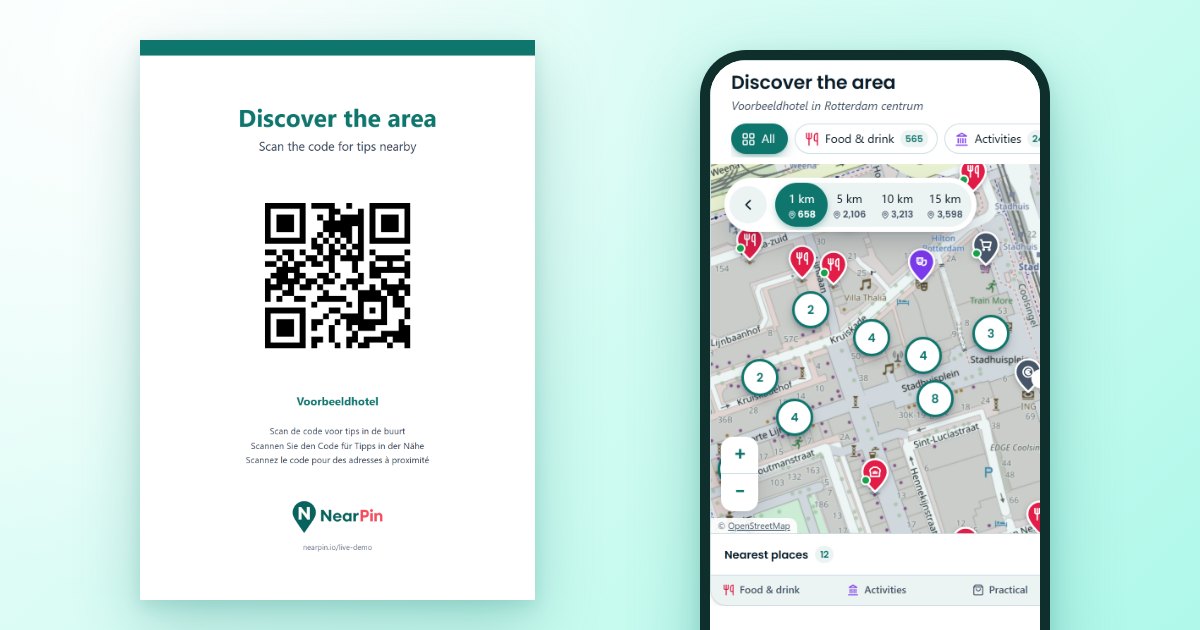
  • With a QR code at the entrance, at reception or in the welcome folder. Guests then have the map on their own phone, without an app and without logging in.

More than one accommodation

One widget belongs to one location. If you have several accommodations at different locations, you create a widget for each location and only pay for the widgets you activate.

Try it first

You block places you do not want to show, and other accommodations are never visible.

You try NearPin free for 14 days and download the QR code straight from your dashboard. The pricing page shows what is included.
campsite holiday park surroundings guests QR code

Frequently asked questions

What do guests of a campsite or holiday park want to know about the area?
Mostly where to buy groceries, where to eat and what to do with children, also when it rains. Guests who stay a week ask these questions more than once.
Can guests also see places outside the village?
Yes. In the widget the guest picks a radius of 1, 5, 10 or 15 kilometres. That brings places within cycling or driving distance into view.
Do I need a separate widget for each location?
Yes. One widget belongs to one location. If you have several accommodations at different locations, you only pay for the widgets you activate.
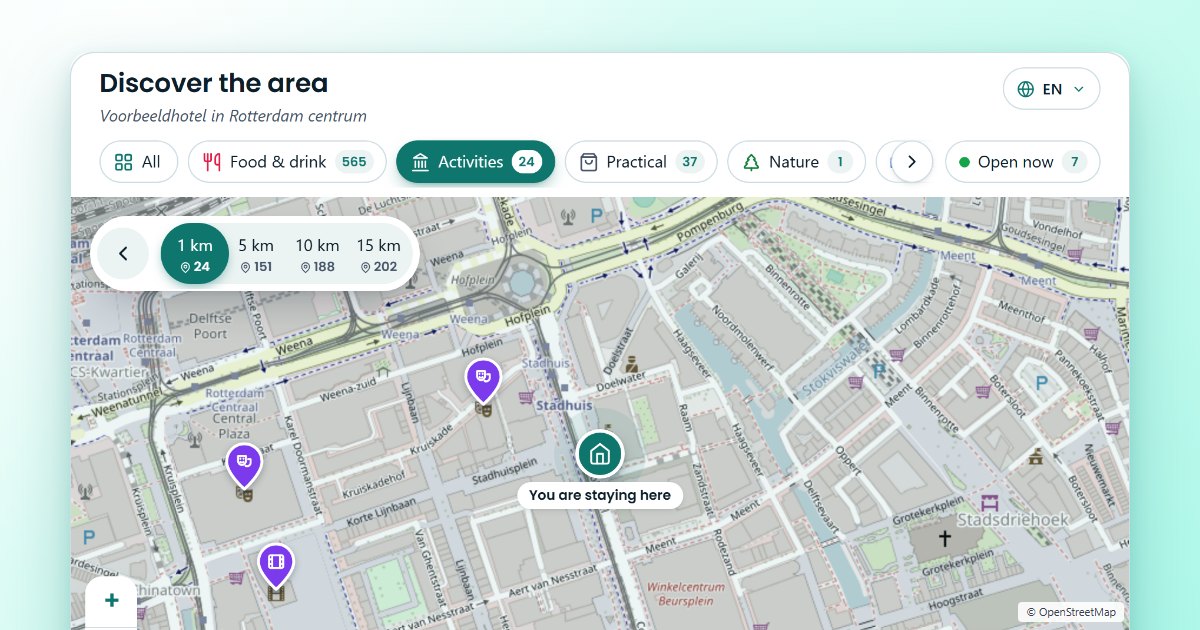
The NearPin widget with the Activities category on, showing pins for activities such as theatre and film on a map of central Rotterdam around a hotel

What is there to do nearby? Guests ask first

Guests almost always ask at check-in what there is to do nearby. If your website answers that, you have to repeat it less often at the front desk.

Tips for accommodations 22 October 2026 · 2 min read

Read more: What is there to do nearby? Guests ask first
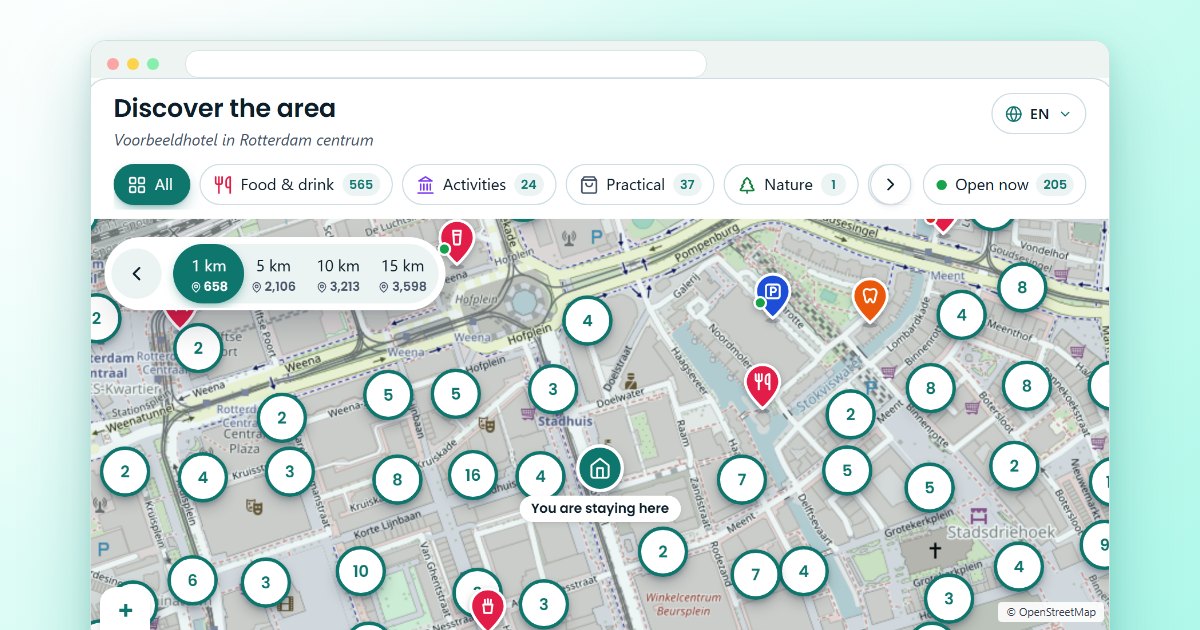
The NearPin widget in a browser window: a map of central Rotterdam with category tabs at the top and pins for places around a hotel

Embed Google Maps on your website: how it works

Putting a Google Maps map on your website takes a few minutes. Here is how it works, and why that map has drawbacks for an accommodation.

Tips for accommodations 22 October 2026 · 2 min read

Read more: Embed Google Maps on your website: how it works
A print-ready front desk card with a QR code next to a phone showing the NearPin map of the surroundings

QR code at the front desk for the local area

With a QR code at the front desk or in the room, your guest has the map of the surroundings on their own phone during the stay. No app, no login.

Tips for accommodations 22 October 2026 · 2 min read

Read more: QR code at the front desk for the local area

Let guests discover the area on your own website

See the map on your own address before you change anything on your website. Try it for free, or let us walk you through it in a short demo.

First widget free for 14 days. Early Bird: €21.95 per widget per month, 10 spots left, then €24.95 (excl. VAT).